
Card buying (buylist)
How the buylist works
Buying cards from your customers, in cash or in credit.
The buylist is the other side of the counter: instead of selling, you buy cards from your customers. You pay in money or in store credit; both methods are available and whoever sells their cards chooses which one to receive.
Your batch to sell
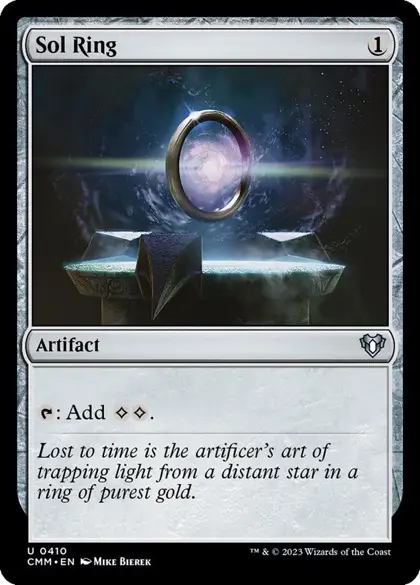 Sol RingNM · Commander Masters · ×4$4.00$5.20
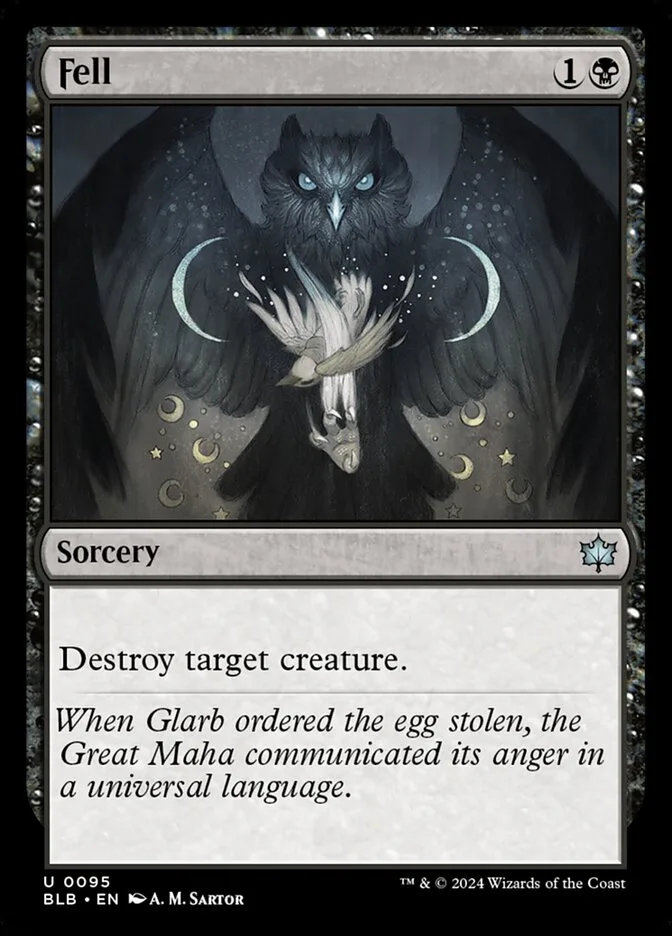 FellNM · Bloomburrow · ×2$15.60$20.20
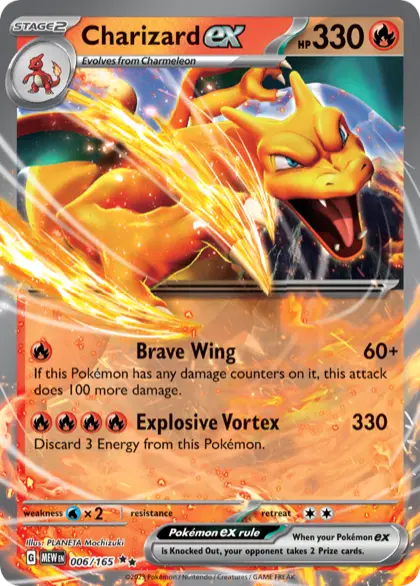 Charizard exNM · 151 · ×1$5.00$6.40
Total offer$24.60$31.80
What price you pay
Everything is set up in one place, Card buying › Buying prices. First turn card buying on or off in your online store. When it's off, it doesn't appear in your storefront and the quote, the import, the template and the counter intake can't be opened either; the settings and previous requests are still available in the admin. To set how much you pay, use that same screen: each active game has a cash buying percentage on top of its price source. You can leave credit empty to pay the same or enter an equal or higher percentage. If the game's source is Manual, only printings that have a published variant on an active product are quoted; without one, no price is offered. There are no percentages by condition, rarity, set or price band.
Which cards you buy
Only the owner can change these settings. On that same screen, in Per-card exceptions, search for each card you want to receive and set its maximum per request. The list is per printing: a Charizard from another set is another entry, even if it has the same name. If a printing should pay differently from its game's percentage, enter the fixed exception in cash and, if applicable, in credit. If you leave credit empty, that exception pays the same amount as cash. If you clear both amounts, it goes back to using the game's percentage.
Your customers can get a quote for their sale in the online store and send you the list, or you record it at the counter from the POS. In both cases, you review it before paying (see Receive and process a purchase).
Buying at the counter
In the POS, the Card buying tab uses the same card search as the rest of the panel: type the name, set or number and pick the exact card with Buy. Then set its language, finish, condition and quantity. A card on your buying list also covers its copies in other languages.
Once you pick it, you see the reference market price and what you pay in cash and in credit, worked out with its game's percentage or the card's fixed amount: it's the same calculation a customer sees when getting a quote in your online store. You can adjust either amount before sending; the change is recorded next to the proposed amount.