
Getting started
Welcome to TCG Field
What the platform does and how your store is organized.
Think of TCG Field as your store's nervous system: the catalog, stock, prices, your online store, the counter register (POS), buying cards from customers (buylist), tournaments and store credit, all in one place and talking to each other. You sell a Charizard at the counter and that same unit disappears from your website instantly, with no double entry.
InventoryUp to date
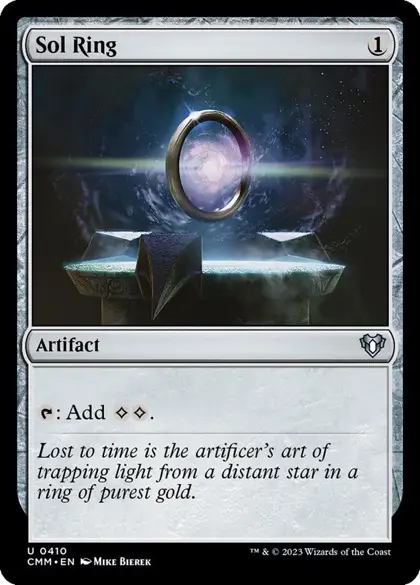
Sol RingCommander Masters · #410
VersionStockSale price
NM Nonfoil4$2.00 Automatic
LP Nonfoil2$1.80 Automatic
NM Foil3$5.00 Automatic
LP Foil1$4.50 Automatic
HP Foil1$3.49 Fixed
The pieces you'll use
- Global catalog: the shared database with every card of each game (name, set, number, image). You don't load it —the platform maintains it—; you only choose which games to turn on.
- Inventory: everything you sell in your store —single cards, sealed and accessories— in a single list. You bring cards over from the global catalog when you receive stock.
- Stock: how many copies you have of each product, in which condition, finish and language, and at which location.
- Pricing: what you charge. It can come from the file you import or be calculated automatically with rules.
- Online store + POS: two sales channels, one stock.
- Card buying (buylist): the cards you buy from your customers, paying in cash or store credit.
If you run into a word you don't know —printing, condition, reservation, credit—, it's in the Glossary.