
Catalog and products
Turn on the games you sell
Choose which TCGs appear in your catalog and your store.
The platform brings the catalog of many games, but your store only shows the ones you turn on. It's the very first step: without active games, there are no cards to bring over.
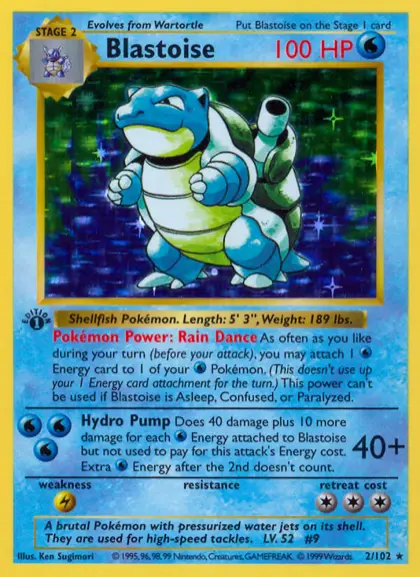
Base Set · 2/102
Blastoise
$2,490.00$129.90
↓ 7% vs. market · last 30 days
1 in stock3 in stock
Card condition: NM
- Go to Settings › Games.
- Check each game you sell; the ones you leave unchecked don't appear in your store.
- An active game brings all its current and future sets. Below, in What the buyer sees, you choose once for the whole store whether its whole catalog is shown or only in-stock cards.
Which cards the store shows
The game's status sets the main limit: an inactive game contributes no cards to the catalog, the sets or search, even if there's stock. For the whole store you choose once, on that same screen, whether your active games show their whole catalog or only in-stock cards.
That choice governs the whole storefront: the game page, a set page, the sets menu in the header and the search results. With the full catalog, besides your cards it shows the synced catalog cards of your active games that you don't have yet: they appear marked as unavailable and can't be bought until you load stock and a price for them. Just like a sold-out card, they show the price they'd have with your pricing rules when there's a current market quote and a valid exchange rate; if either is missing, they appear without a price. With in-stock cards only, those same cards disappear from all those screens.
The header's sets menu follows the same choice. With the full catalog, your sets with stock appear and also the newest ones in the catalog (with no number next to them, because you don't have cards there yet), and at the end a View all sets link that opens the game page with the full list. The menu is kept short on purpose: the long list lives on that page.