
Settings
Shipping and pickup
How much you charge for shipping, depending on where it goes and what it weighs.
In Settings › Shipping and pickup you organize shipping just like Shopify: first you create zones (which destination each one reaches) and within each zone you set its rates. They're manual rates you create; the region and municipality are always chosen from a list, never typed as free text. If you'd rather charge what your carrier quotes, connect your account (see Quote shipping with your carrier).
Your cart
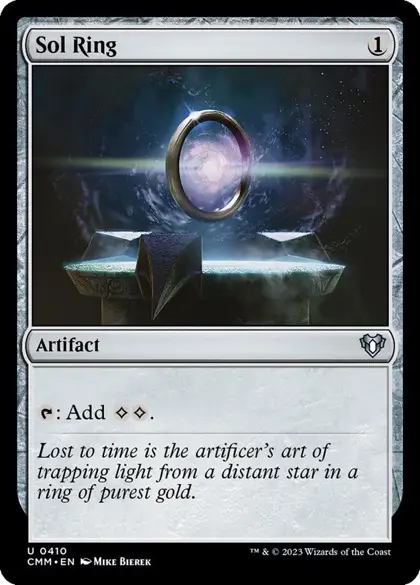 Sol RingNM · Commander Masters · ×2$4.00
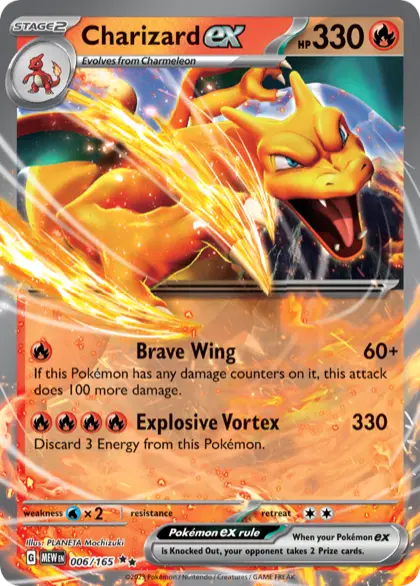 Charizard exNM · 151 · ×1$9.90
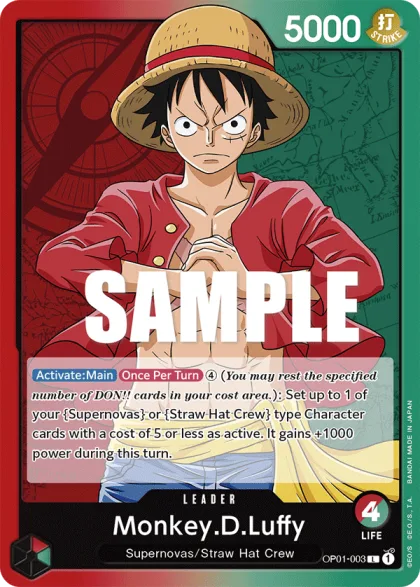 Monkey.D.LuffyNM · Straw Hat Crew · ×1$3.80
- Subtotal
- $17.70
- ShippingIn-store pickup
- $6.99No charge
- Total
- $24.69$17.70
Create a zone
- A name (for example, “Chiloé” or “Rest of Chile”).
- The origin branch you ship that zone from (optional; if you don't choose one, your default branch is used).
- The coverage: “Whole country” (without choosing anything else), a list of regions checked with checkboxes, or — if you want to fine-tune — a list of specific municipalities looked up by name. A region or municipality already in another zone appears marked “(in another zone)” and can't be chosen: at each level (municipality or region) a destination belongs to a single zone. One you left without coverage appears marked “(no coverage…)” and you can choose it: when you save it starts using this zone's rates. There's a single zone for the whole country: to charge a different price across Chile, change that zone's rate.
Country coverage: every municipality, decided
Above your zones, the Country coverage box counts how many municipalities already have a rate, how many you left without coverage and how many are still undecided, and lists the regions where they're missing. Your shipping is complete —and the shipping step of the wizard and the Home guide is marked done— only when none is missing: each municipality has a rate or was deliberately left without coverage.
- Mark the rest as no coverage leaves every municipality that doesn't have a rate yet without coverage, all at once. It asks you to confirm and doesn't touch the ones that already have their own.
- Edit zones without coverage lets you choose specific regions or municipalities you don't ship to, or remove them from that list.
- A municipality with its own rate keeps it even if you leave its region without coverage: here too the most specific wins.
- A zone without active rates decides nothing: its municipalities stay undecided until you add a rate or delete it.
Add rates within a zone
When you open a zone you add one or more rates. The type you choose decides which fields you fill in, but they all share a price:
- Flat: a single price, with no condition.
- Band by order amount: applies only between a “from” and a “to” of the subtotal — create several rates to build a full scale (for example, up to $20.000 costs $3.000, and from there on $1.500).
- Band by weight: same as the previous one, but according to the cart's total weight in grams.
- Free shipping over an amount: shipping becomes $0 once the subtotal reaches the amount you set.
Stores outside Chile (United States pilot)
If your store is in the United States, zones are built by state instead of region and municipality: you check the states each zone covers (or “Whole country”) and add your manual rates inside each zone, just like in Chile. The country coverage counts states, and Mark the rest as no coverage leaves the states that still have no rate without coverage.
- The buyer types their city, picks their state from the official list (the 50 states and the District of Columbia) and types their 5-digit (or ZIP+4) ZIP code. The rate is calculated by state.
- Your pickup branch is also recorded with a state and a city: the state is picked from the list and the city is typed.
- There is no integrated courier and no tax calculation: the rates are the ones you set.